iOS Download Method

Important Notice

Beware of counterfeits This App is not available on mainland china App Store. Please do not download counterfeit Apps! Beware of counterfeits and protect your information security.


AoxVPN - Fast, Secure & Private Internet Access-AoxVPN, free VPN, high-speed VPN, secure browsing

iOS downloads are currently limited to members only. Some apps are not supported.

Please log in to your member account before downloading. Due to platform limitations, certain apps (such as MUMU) cannot be installed or updated on iOS at this time. We appreciate your understanding.

AoxVPN - Fast, Secure & Private Internet Access-AoxVPN
AoxVPN - Fast, Secure & Private Internet Access-AoxVPN, free VPN, high-speed VPN, secure browsing

iOS downloads are currently limited to members only. Some apps are not supported.

Please log in to your member account before downloading. Due to platform limitations, certain apps (such as MUMU) cannot be installed or updated on iOS at this time. We appreciate your understanding.

AoxVPN - Fast, Secure & Private Internet Access-AoxVPN, free VPN, high-speed VPN, secure browsing

Follow these steps to download on iOS:

AoxVPN - Fast, Secure & Private Internet Access-AoxVPN, free VPN, high-speed VPN, secure browsing

    Attention: The Beta version is valid for 90 days after download.

    To ensure the application functions properly, please uninstall and reinstall it after the version expires.

  • Step 1:
  • Download TestFlight from the App Store (you can ignore the redeem code requirement). Once installed, close the TestFlight app.
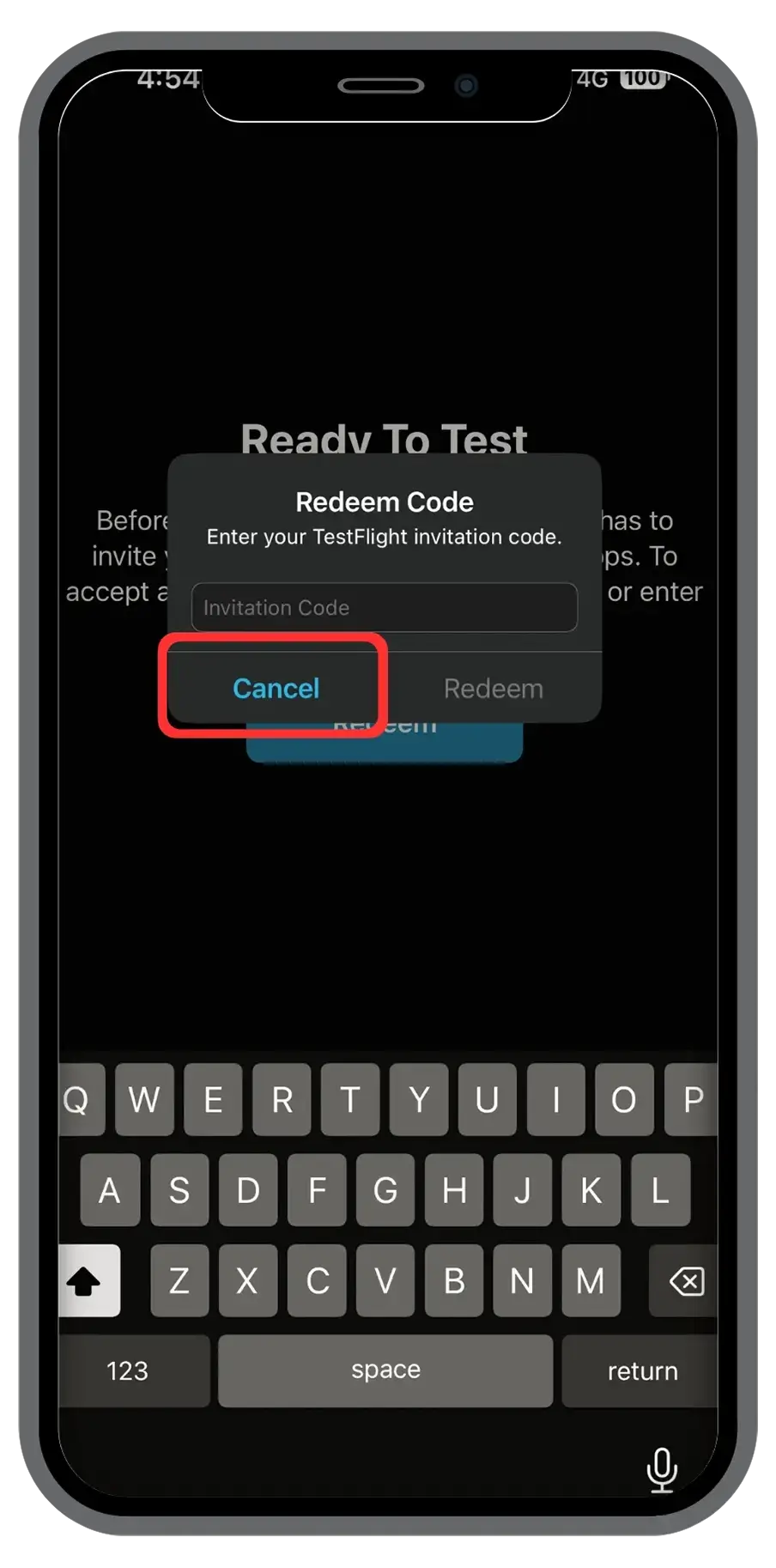
  • AoxVPN - Fast, Secure & Private Internet Access-AoxVPN, free VPN, high-speed VPN, secure browsing
  • Step 2:
  • Click the button now to download!
    (If Safari does not respond, please try opening the link in a different browser, such as Chrome.)